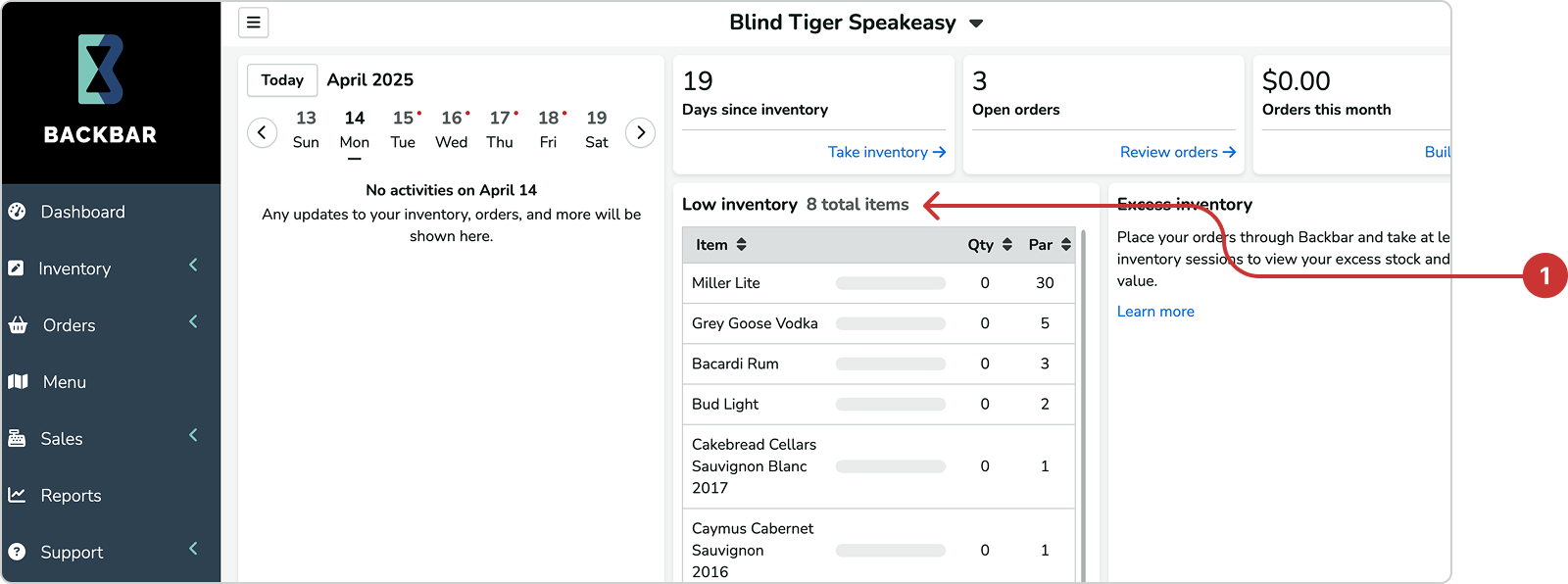
Once you've set par levels for your inventory items, any items that fall below those levels will automatically appear in the dashboard for quick access and review.
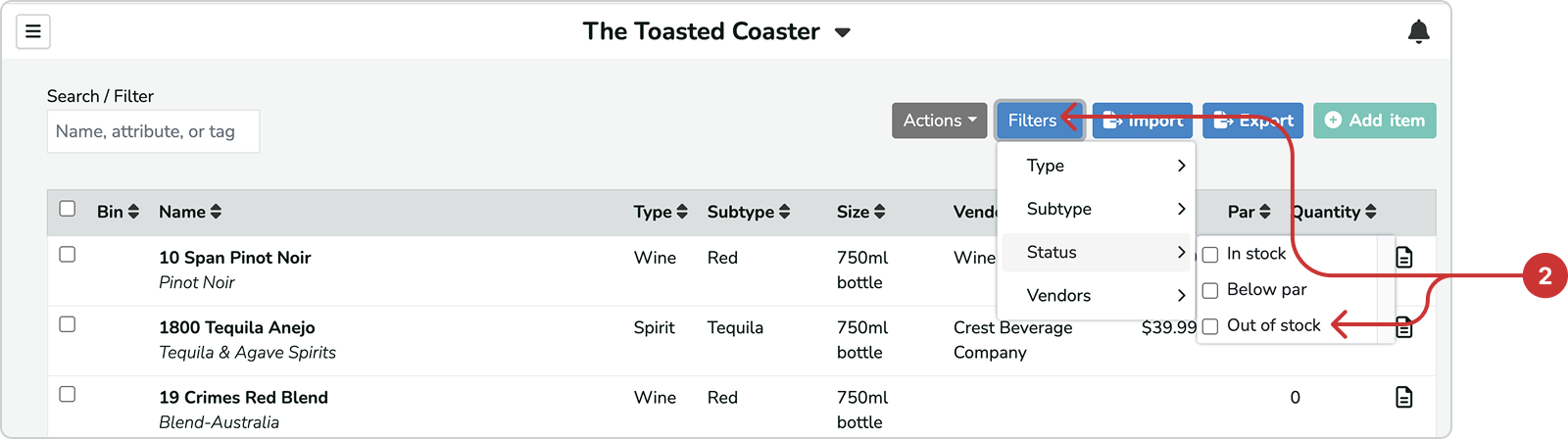
To view items that are low or out of stock, use the Filter dropdown menu. Select either Below par or Out of stock to filter and display only those items.
Mobile App: To view Below par or Out of stock on the mobile app, you must be in the build orders screen (shopping cart icon in lower navigation bar) and then select the apporpriate filter from the filters settings next to the search bar (funnel icon).