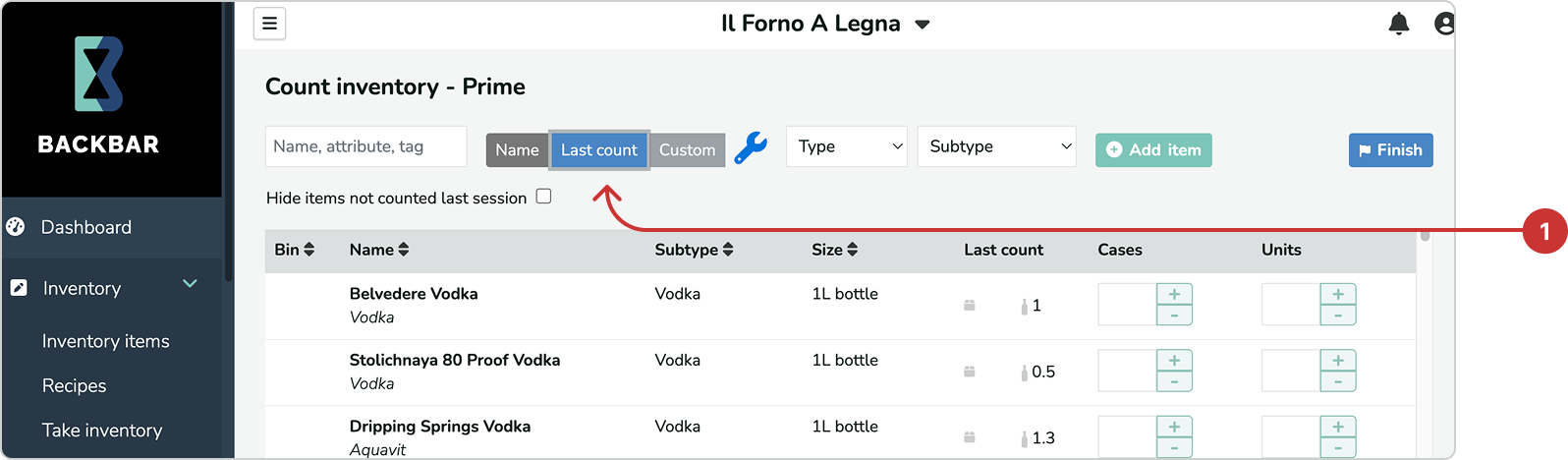
With sort by last counted, you can save and organize inventory items by the sequence or order in which you last counted items. This allows you to match your inventory list with the way items are organized and laid out behind your bar and in your storage areas. This is to help you quickly take sheet-to-shelf inventory with minimal issues.
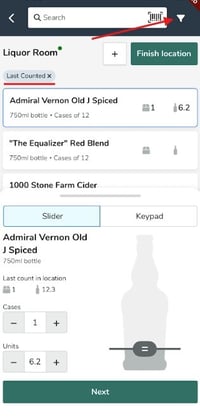
For the mobile app the last count sort can be enabled by tapping on the filter (funnel) icon next to the Search bar and tapping Last Count and the Apply Filter button.
For more detailed information on additional sorting options and best practices for optimizing your inventory process, refer to the article What is the best/fastest way to take inventory?